From sign-in
to decision.
One landscape, followed through the dashboard. How it is drawn, how evidence arrives, how risk is fused and how the DSS decides what to do first.

It starts with you.
Every analyst, ranger and planner signs into their own workspace. Saved landscapes, history and team permissions come with them.
Draw the land
you care about.
Click a few points on the map, or drop in a boundary file. That outline becomes the question: what is happening here, and what should we do?
Your landscape,
wired in.
Map in the centre, products down the side, evidence on the right. One shared picture of the same ground.
Layer by
layer.
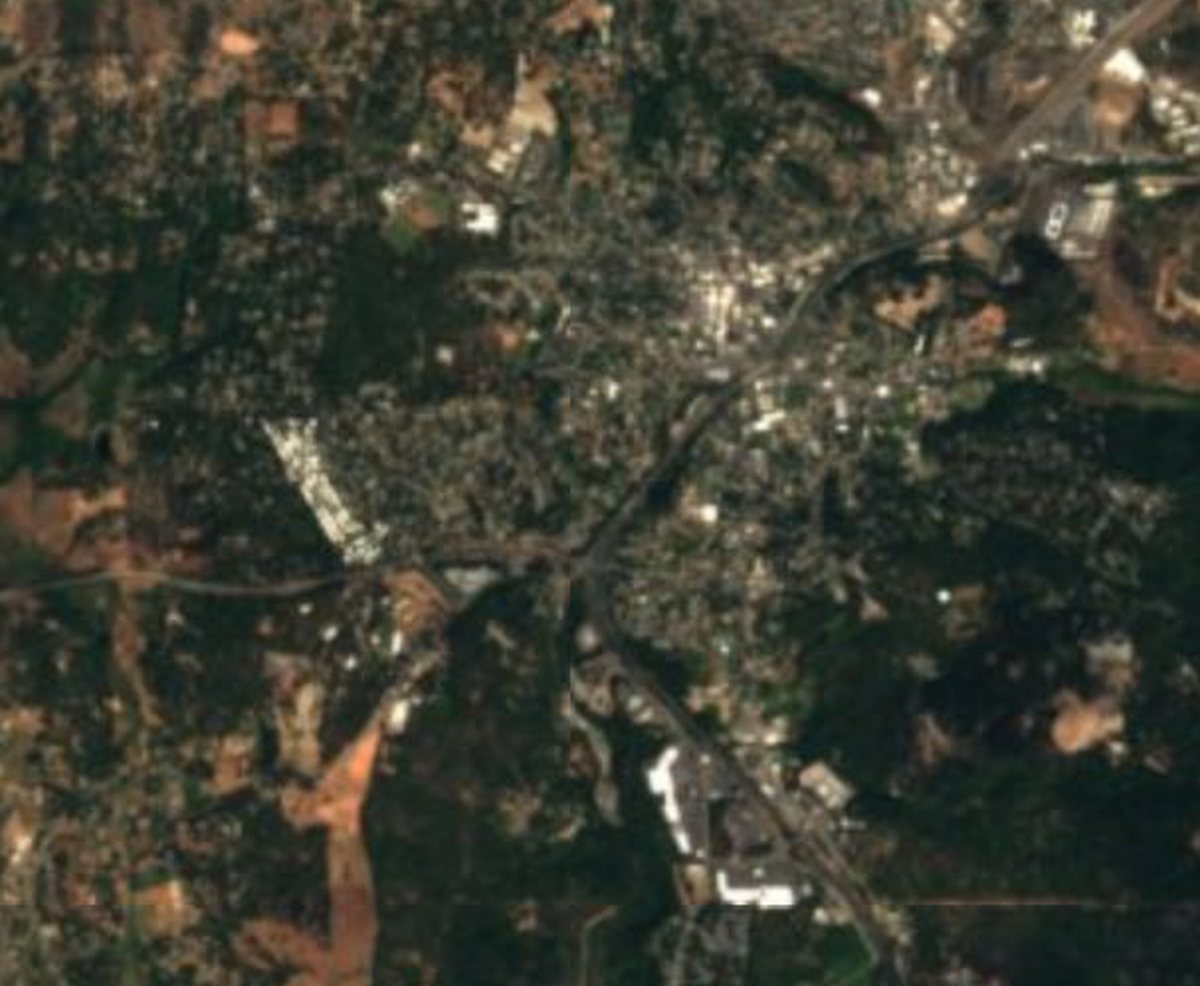
Real Sentinel-2 imagery and OpenStreetMap features for this exact outline: how dense the fuel is, how connected, how wet, where the homes and power lines are.
Many signals.
One risk map.
Fuel, moisture, history and exposure are weighed together into a single map of where fire is most likely, and what it would reach.
gets made.
Where to act.
What to do.
Zones ranked by risk removed per effort, each with a recommended treatment. Ready to share with crews, councils or funders.
Six layers of intelligence.
Everything you just saw runs on one stack. Each layer is a product, and each one hands its evidence to the next.
keeps watching.
New passes every week. After treatment, MVR verifies the work. After a fire, Recovery takes over. The loop never closes.
Try the dashboard →